Simulation
Wiki-GRx-Gym tests the performance of RL policies trained using NVIDIA Isaac Gym on the GR1 robot model in Mujoco. You can also use Mujoco to view your robot.
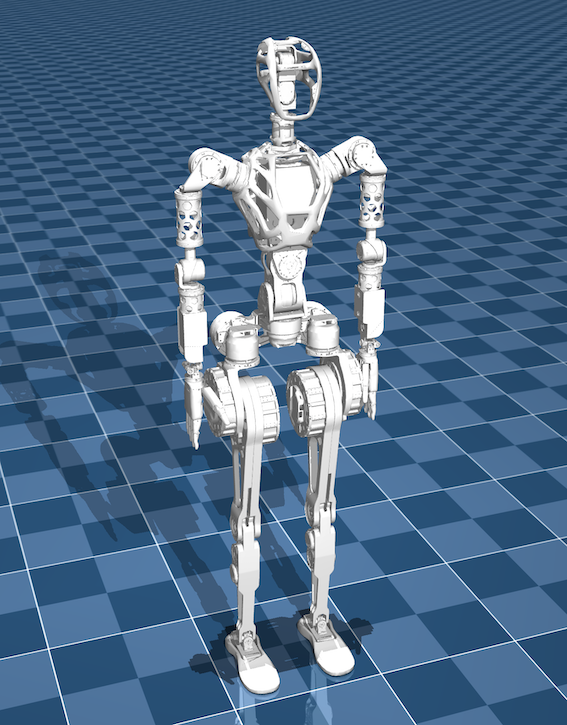
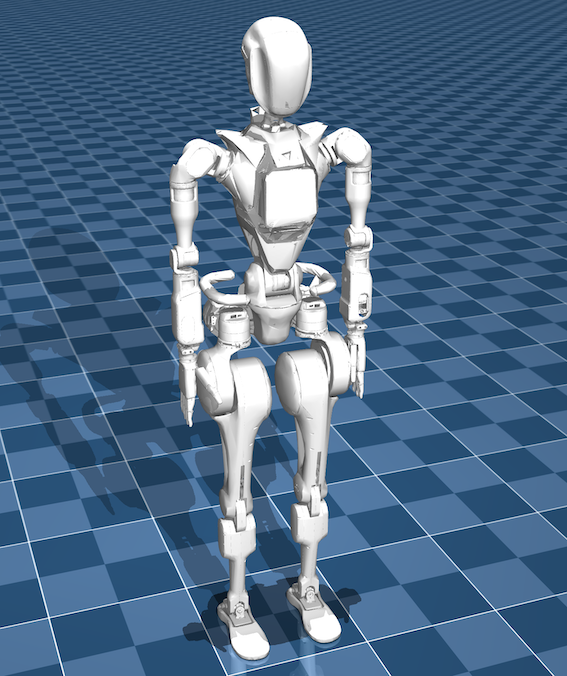
User Guide
Create conda environment
conda create -n wiki-grx-mujoco python==3.8
Activate environment
conda activate wiki-grx-mujoco
Install Mujoco and Mujoco-viewer
pip install mujoco mujoco-python-viewer
-
Install dependencies:
cd wiki-grx-mujocopip install -e . -
Load model in Mujoco:
Enter Mujoco's bin directory:
./mujoco-3.1.5/bin/Run:
./simulateand drag the
.xmlfile you want to view into therobotsfolder
Load trained policy:
-
Enter file location:
./run/scripts -
Run code:
./mjsim.py <robot_name> --load_model <path_to_model>Example Load standing policy to make GR1T1 robot stand:
./mjsim.py gr1t1 --load_model /home/username/.../policy/stand_model_jit.ptLoad walking policy to make GR1T2 robot walk:
./mjsim.py gr1t2 --load_model /home/username/.../policy/walk_model_jit.ptYou can modify model parameters in
gr1tx_lower_limb.xmlandrobot_config -
Use keyboard to control robot:
After the simulation starts, press **
.** to make the robot stand, press/to make the robot walk!